
Searching Cases by Name
Start at Kansas CaseSearch. Accept the public-access notice first. Then pick District. Choose Party Name when the person is a party in the district case. Type the name the way the portal suggests: “Last Name, First Name” or “Last Name, First Name Middle Name.” You can add an asterisk for a partial match. But you must enter at least three letters of the last name and one letter of the first name.
- Open the official CaseSearch front door and accept its access notice.
- Choose District, then select Party Name as the search type.
- Enter the name in the portal’s last-name-first pattern. Use a wildcard only when needed.
- Select Barber County and add a case type or file-date range when known.
- Complete the Human Check, select Search, and compare the court and case number before opening a result.
A long list of common-name hits is not a match. Trim it with the county, the case type, or the filing period. You can also use an exact number pulled from a notice. Business Name searches need at least four characters. For a person listed in that role, Party As Business Name works the same way. It follows the person-name pattern.
Five Barber Case Search Types
The guest interface offers five search types. That is the full public menu. Attorney bar number, driver's license number, warrant number, protection-order number, and Social Security number appear nowhere in the current guest dropdown, whatever tips may hide in portal code. Treat none of them as public Barber County case search tools.
| Field Label | Type | Required | Options or format |
|---|---|---|---|
| Court | Dropdown | Visible default | District or Appellate |
| Search Type | Dropdown | Yes | Case Number, Party Name, Business Name, Party As Business Name, Citation Number |
| Search Term | Text | Yes | Format changes with the chosen type |
| County | Dropdown | When needed | Choose Barber County for a district case without a county code |
| Additional Filters | Expandable controls | No | Case Type, DOB, File Date From, File Date To |
| Human Check | Challenge | Yes | Enables Search after completion |
Barber County carries the acronym BA. Its internal value is 123010. Those system values confirm you picked the right county. They are not a case result, and they are not a public personal identifier.
Searching by Case Number
One exact case number beats every other Barber County case search. Current help lists formats like 2024-CR-000123 and the county-coded JO-2024-CR-000123, with a four-digit year required. Copy the exact BA-prefixed or unprefixed form. Take it straight from a notice, order, citation, or the clerk. Invented punctuation or a stripped prefix will fail. Older Smart Search instructions show compact forms such as 2019CV25 and RL2019CV25. The gap comes from a system transition and older numbering habits. If the number fails, choose Barber County. Recheck every digit. Retry the format printed on the source document. Do not guess at a Barber sample number. Appellate cases follow different rules. Enter the full appellate number with no year, letters, or dashes. Pick Appellate only after a matter has moved on. That applies once it reaches the Kansas Court of Appeals or the Kansas Supreme Court.
Barber CaseSearch Portal Walkthrough
The Kansas Judicial Branch search form says basic case details are open to guests. ID.me stays limited to approved elevated users. The September 2025 Smart Search guide told a different story. It described Register or Sign In, CAPTCHA, Advanced Filtering Options, Clear, and Submit on an older or parallel interface. The current order is Court, Search Type, Search Term, and County if needed. After that come optional filters, Human Check, and Search. “File Date From” and “File Date To” narrow by when a case was filed. They do not search hearing dates. The visible case-type filters are Criminal, Civil, Family, and Probate or Mental Health.
Use the current front door. Official Kansas instructions describe more than one interface, so trust the live labels on the portal rather than any saved 2025 view of the pages.
What a Case Search Returns
Kansas says public case information covers the case number and type, the people involved, attorneys, the assigned judge, and hearing dates when public. Rule 22 names the chronological public activity list an events index. An entry there can show a filing, hearing, order, plea, judgment, or disposition happened. It does not put the filed document online. It only records that the event took place.
| Case number | The court identifier. Preserve the exact displayed form. |
|---|---|
| Court and county | District or appellate court and the county that holds the matter. |
| Style or parties | The public caption and party roles, subject to access rules. |
| Case type | Criminal, civil, family, probate or mental health, or another allowed category. |
| Filed date | When the matter entered the court system, not its hearing date. |
| Judge and settings | The assigned judge and eligible hearing information. |
| Events index | The chronological public record of eligible case activity. |
| Status or disposition | Open, closed, dismissed, plea, judgment, or another public outcome when shown. |
No live private Barber County party record belongs in this description. The account here rests on the official interface, Rule 22, and Kansas records guidance. It will not invent a caption, charge, balance, or case outcome.
Current Barber Search Controls
The current Kansas CaseSearch interface lays out the district and appellate choices, search-type controls, the Barber County selector, optional filters, Human Check, Search, and Reset. That official form is the reference for every field a Barber County case search uses.
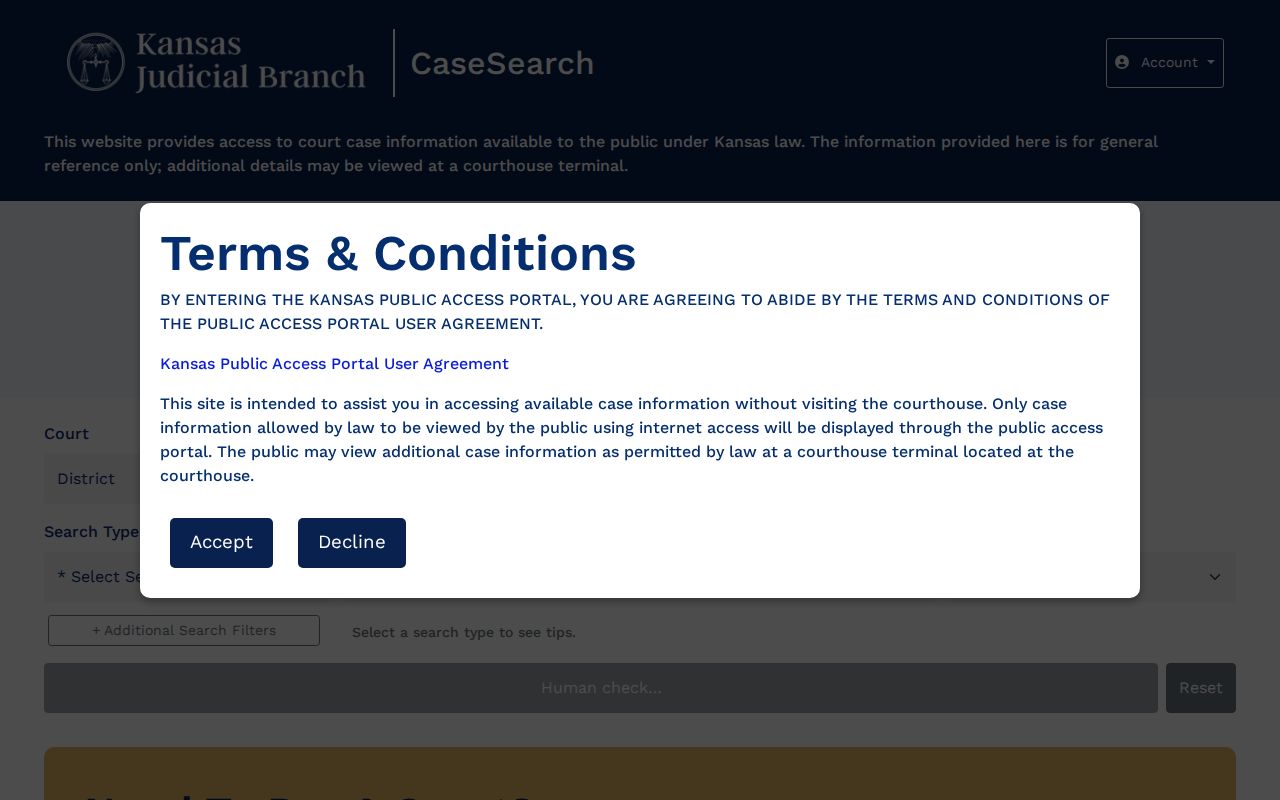
The form confirms the fields a Barber County case search needs. It says nothing about identity or outcome until the right public result is matched. Search Term is the main input. Its required format depends on the search type. A person search uses the last-name-first pattern. A business search needs at least four characters, a citation search needs the full ticket number, and a case-number search needs the full four-digit year. Reset clears your choices. The Search button stays disabled until the Human Check succeeds.
Statewide vs County Case Search
Barber County posts no separate county case-search database of its own. Kansas CaseSearch serves as the statewide public layer, with a Barber County filter built in. The local layer is the clerk and the courthouse terminal, which can route document questions and eligible records the web portal does not display.
| Kansas CaseSearch | Barber County access |
|---|---|
| Statewide district and appellate search | Barber clerk and courthouse terminal |
| Best for locating eligible basic case data | Best for current local routing and copy questions |
| Guest interface requires a Human Check | Counter and phone access during published hours |
| Some documents and case types are absent | Public terminal may show eligible converted material, not nonpublic records |
Paper requests are still a local option. The official Kansas Court Records Request Form asks for the court, the county, the records sought, a delivery choice, and requester information. Under the Kansas Open Records Act, the office may charge reasonable fees and require advance payment. Filing the form will not open a restricted case.
Barber Search Failure Checks
Empty results happen. A blank screen does not prove the case is absent. Check District versus Appellate, Barber County, spelling, the full year, punctuation, and the case type you picked. Punctuation alone can break a docket lookup. A city citation may belong to Medicine Lodge, Kiowa, Hardtner, Sharon, Hazelton, Isabel, or Sun City. That ticket may not sit in Barber County District Court at all. Federal matters sit in District of Kansas CM/ECF or PACER.
Sometimes the Human Check never enables Search. Retry from the official front door. Failing that, use the courthouse terminal or call 620-886-5639. A bot challenge is a technology problem, not a court record. When a document image is missing, ask whether it predates the 30th Judicial District’s September 12, 2022 eCourt rollout. If so, it may be available at the terminal.
Remember that a case detail can be public while its image is restricted, sensitive, sealed, or reachable only through another authorized channel.
Access and Restricted Cases
Access runs through Kansas Supreme Court Rule 22. That rule governs portal and courthouse-terminal access to eligible public case records and events indices. Some categories stay off limits. Adoption, child-in-need-of-care, PFA/PFS, juvenile, expunged criminal, grand-jury, guardianship, and other sensitive types may be absent or limited. Current guidance says some family case types appear while their documents do not.
A terminal is not a bypass. It may provide eligible public documents missing from the web, including converted records. It still cannot disclose nonpublic material. A seal, a Rule 22 exclusion, a pre-eCourt gap, and a temporary portal problem are four different conditions. Ask the clerk which one applies. Do not try to defeat an access restriction.
Suppose the public result supplies a case header but no document image. That is not a sealed case. The missing image may be sensitive, excluded by record type, converted from the former system, or covered by a court order, and a clerk can explain the lawful public route, whether terminal inspection is possible, and whether a plain or certified copy can be requested.
Public result does not mean complete file. Verify time-sensitive or official information with the Barber County Clerk of the District Court and request a certified copy when the use requires one.
CaseSearch Is Not eFlex
Kansas Courts eFlex is an authorized e-filing system. It accepts documents from eligible account users. It is not the public Barber County case search, though. Attorneys and authorized filers use eFlex procedures for submission, while a reader seeking a public docket starts with CaseSearch.
Why does the split matter? A login screen does not prove that public lookup needs a filing account. CaseSearch currently lets guests see basic case details. Those details remain subject to its notice, Human Check, filters, and public-access rules. The older Smart Search guide’s registration language is dated interface guidance, not a rule for every current Kansas screen.
Found a time-sensitive hearing? Use the Barber County court calendar process to compare the newest event with the clerk’s current setting.